ETL & Data Pipelines

Build visual data pipelines that pull live data from multiple sources and display it directly inside one of our apps. Connect your databases, APIs and spreadsheets — no coding required.

« Previous feature
Start free trial

No credit card required for the 14-day free trial.
Next feature »
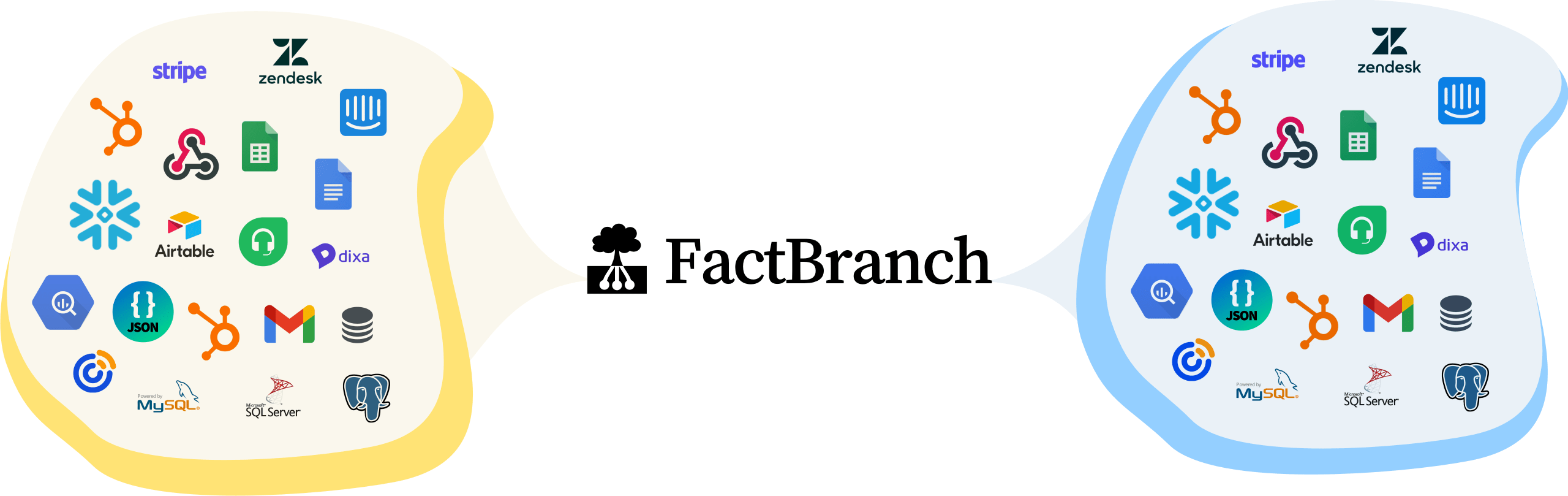
FactBranch extracts, transforms and loads data from many different
      data sources to many data targets.

FactBranch helps you get your data from where you store it to where you need it.

Maximum Flexibility

Data Pipelines

Use our flexible pipeline builder to extract data from multiple data sources and push the data into a data warehouse, database, API or directly into the software you use.

Three Simple Steps

How it works

1

Connect your data sources

Use our setup wizards to connect to your SQL databases, REST APIs, spreadsheets or CRMs. Each connection is reusable across all your pipelines.

2

Build your pipeline visually

Drag and drop nodes in our visual flow editor to pull data from one or more sources. Transform, filter and combine data using built-in nodes — or write custom SQL and templates when you need to.

3

Display or push your data

Show the results directly inside your helpdesk, CRM or email client using one of our apps. Or push data to another API or database.

Real-World Examples

What teams build with data pipelines

Show customer data from your database in Zendesk
Pull order history, subscription status or account details from your PostgreSQL or MySQL database and display them right next to the support ticket. Agents get the full picture without leaving Zendesk.
Combine data from multiple APIs into a single view
Query your CRM, billing system and product database in one pipeline. FactBranch merges the results and presents a unified view to your team.
Enrich support tickets with live data from spreadsheets
Connect a Google Sheet with pricing tiers, feature flags or account notes and surface that information alongside every customer interaction.
Push data between tools to keep them in sync
Write pipeline results to another REST API, database or CRM. Keep your tools aligned without building custom integrations.

Frequently asked questions

Do I need to write code to build a pipeline?
No. The visual flow editor lets you build complete pipelines by connecting nodes. For advanced use cases, you can optionally add custom SQL queries or filters.
Can I pull data from multiple sources in a single pipeline?
Yes. Each pipeline can connect to as many data sources as you need. Combine data from databases, APIs and spreadsheets in a single flow.
Is the data loaded in real time?
Yes. When an agent opens the app, FactBranch runs the pipeline and fetches live data from your sources. You always see the most up-to-date information.
Next feature »